| Support Category: LMS Navigation |
| Specialist Notes: |
Users can add a photo to their accounts with the following instructions.
French Canadian SR Translation Pour ajouter votre photo, veuillez suivre les directives ci-dessous : 1. Sélectionnez « Mon profil » dans les options « Liens utiles » sur la page d’accueil de l’Académie Royal Canin. 2. Cliquez sur « Ajoutez votre photo », puis sur « Choisir un fichier ». 3. Cliquez ensuite sur « Télécharger ». |
| Standard Response: |
To add your photo, follow the instructions below:
1. Select ‘My Profile’ under ‘Quick Links’ options on the Royal Canin Academy's homepage. 
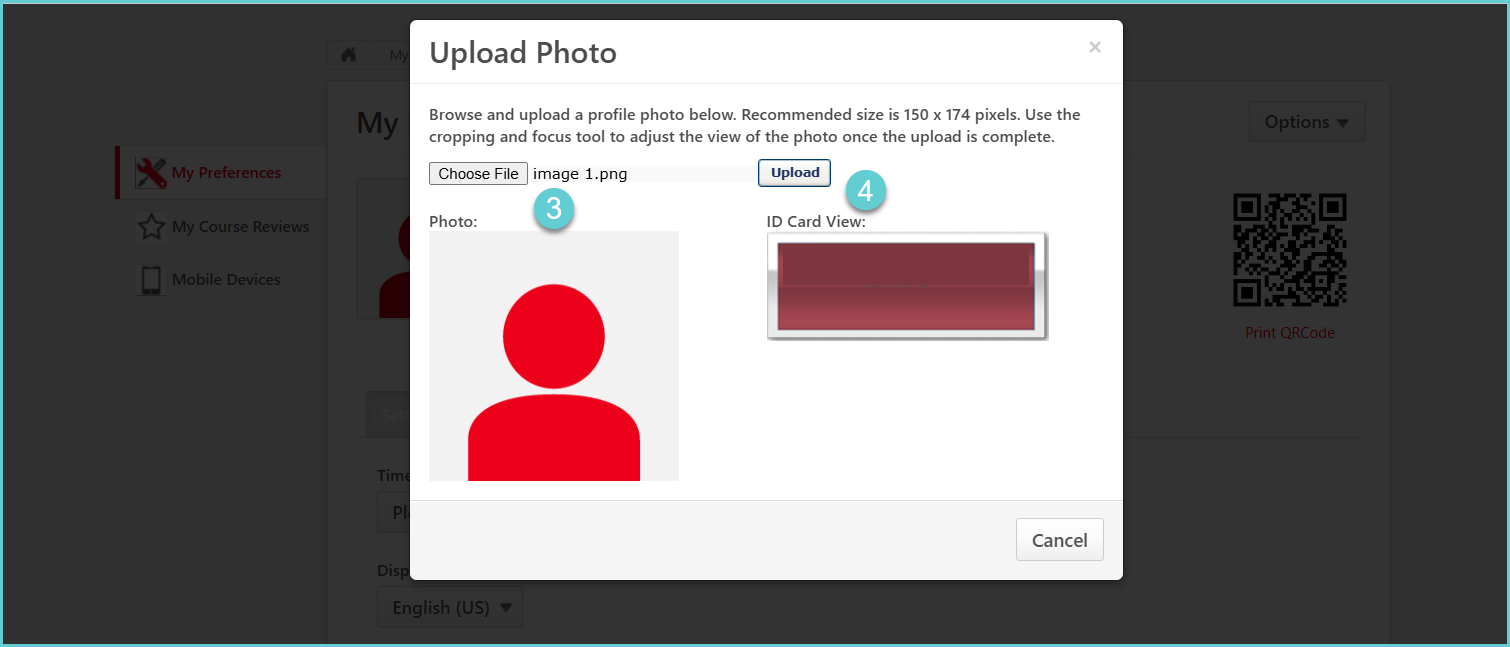
2. Click 'Add your photo', then 'Choose File'.
3. Then, click 'Upload'.