| Support Category: Login Inquiry |
| Specialist Notes: |
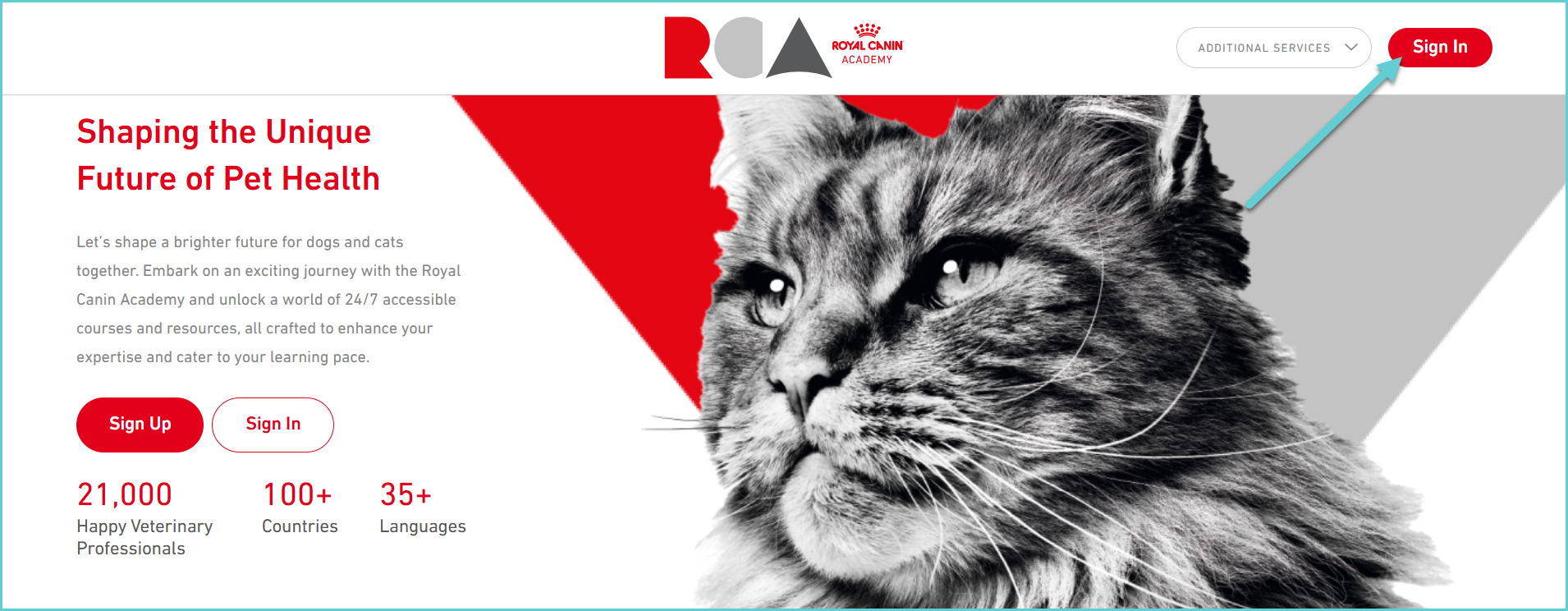
Internal and external users can log into Royal Canin Academy with an active account, only. Those with active accounts can use the ‘Sign In’ button is at the top of the Royal Canin Academy Sign-In Page www.royalcanin.com/academy, where they must enter their username and password.
If they do not have an account, they will receive an error message. If this occurs, please check if they're a customer (external user) or a Royal Canin employee (internal user) to provide further instructions; see Account-Related responses/folder.
Please note:
Canadian users will sign on using SSO. To advise users who need assistance with this, see Login Issues | Canadian Users.
| Canned Response Code: /RC01 |
| Standard Response: |
To log into the Royal Canin Academy, navigate to www.royalcanin.com/academy and select the 'Sign In' button. Then, enter your username and password in the respective fields.